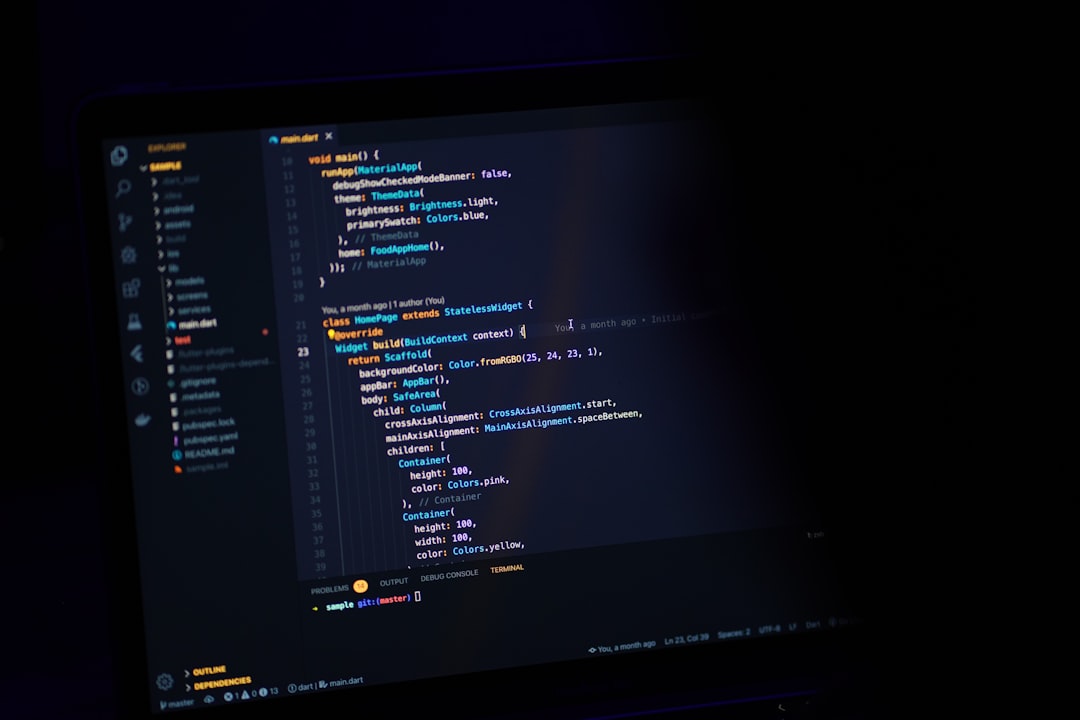
The first time I lost an hour to a code editor, I was trying to configure a linter in Atom. This was 2017, and Atom was still the darling of the developer-as-creative-type crowd — beautiful, hackable, slow as a dial-up modem loading a JPEG. I had a Python script to finish, a deadline that did not care about my tooling preferences, and a package manager that kept throwing dependency conflicts I did not understand. By the time I got the thing working, I had forgotten what I originally sat down to write.
That afternoon taught me something I keep relearning: the best code editor for Python is not the most powerful one. It's the one that disappears.
What "disappearing" actually means in practice
Every editor promises to get out of your way. Almost none of them do, at least not immediately. What I mean by disappearing is narrower than the marketing copy suggests: the editor should make the gap between intention and execution as small as possible. You think of a function, you write it, you run it. The tool should not insert itself into that loop with configuration wizards, extension conflicts, or a plugin ecosystem that requires its own project manager.
For Python specifically, this matters more than it does for, say, JavaScript, where the build toolchain is so baroque that one more layer of complexity barely registers. Python has always worn simplicity as a virtue — "There should be one obvious way to do it," as the Zen of Python puts it. Your editor should honor that spirit, or at least not contradict it.
I've used six editors seriously over the past decade. What follows is not a feature matrix. It's closer to a set of field notes.
VS Code: the editor that won by being good enough at everything
If you ask a room full of Python developers what they use, the plurality answer is almost certainly Visual Studio Code. Microsoft released it in 2015 and spent the next several years making it genuinely excellent for Python through the Pylance extension and a first-party Python extension that handles linting, formatting, virtual environments, and debugging without requiring you to read three Stack Overflow threads first.
What VS Code gets right is the ratio of power to friction. IntelliSense for Python is fast and accurate enough that it feels like a conversation rather than a lookup table. The integrated terminal means you're not alt-tabbing to run a script. The debugger — and I say this as someone who spent years printing variables to console like a caveman — is good enough to actually change how you think about bugs.
The knock against it is real, though: VS Code is an Electron app, which means it is, at its foundations, a web browser pretending to be a desktop application. On a modern machine with plenty of RAM this is a non-issue. On an older laptop or a remote server where you're editing over SSH, you feel the weight of it. Extensions also have a way of accumulating until your startup time has quietly doubled and you can't remember which plugin is responsible.
Still, if someone asks me what to install on day one of learning Python, I tell them VS Code. The ceiling is high, the floor is low, and the Python community has produced enough tutorials around it that you're never far from an answer.
PyCharm: the one that takes Python seriously as a profession
JetBrains built PyCharm for people who write Python all day, every day, and it shows. The code intelligence is deeper than VS Code's out of the box — it understands Django's ORM, it navigates Flask routes, it refactors across files with a confidence that other editors fake. When I was working on a larger Django project a few years back, PyCharm's database tools and its ability to trace a variable through three layers of abstraction saved me more than once.
The tradeoff is weight, in every sense. PyCharm is a heavy application. It takes longer to open, longer to index a new project, and longer to learn. The free Community edition covers pure Python well, but the Professional edition — where the real Django, FastAPI, and remote interpreter support lives — costs money. That's not a complaint so much as a clarification: PyCharm is professional tooling, and it prices itself accordingly.
For someone writing Python as a core part of their work, the Professional license is worth running the numbers on. For a hobbyist or someone learning the language, it's probably more editor than you need.
The lightweight contenders: Sublime, Neovim, and the case for restraint
I want to spend a moment on the editors that don't try to be IDEs, because I think they make an argument worth hearing.
Sublime Text is fast in a way that feels almost rude by comparison to the Electron crowd. It opens instantly. It handles large files without complaint. Its Python support via LSP-pylsp or the older Anaconda package is capable rather than spectacular, but capable is often enough. If your Python work is scripting, data wrangling, or automation — tasks where you're writing relatively self-contained files rather than navigating a sprawling codebase — Sublime's speed and simplicity are genuinely pleasurable.
Neovim occupies a different category entirely. Calling it a code editor is like calling a lathe a woodworking tool — technically accurate, misses the point. Neovim is a commitment. You will spend time configuring it. You will learn keybindings that feel alien for weeks before becoming muscle memory. But developers who have made that investment describe something I recognize from my own experience with it: a feeling of the editor becoming an extension of thought rather than a tool you operate. With pyright as a language server and a few well-chosen plugins, Neovim's Python support is as good as anything else on this list. The question is whether the investment is worth it for your particular situation, and only you can answer that.
The honest case for these lighter tools is philosophical as much as practical. They remind you that an editor is not an IDE is not a development environment. Sometimes the constraint of a simpler tool clarifies what you're actually trying to build.
The question nobody asks but probably should
Here's what I've noticed after years of watching developers — including myself — agonize over tooling: the choice of editor rarely determines the quality of the work. What it determines is the texture of the experience. VS Code and PyCharm will both help you write better Python than you would without them. Sublime and Neovim will both reward the developer who knows what they want. The editors are not the variable.
The variable is whether you've actually learned the editor you chose.
I've met developers running VS Code who have never touched the debugger. I've met PyCharm users who don't know about the built-in profiler. I've met Vim users who are still using it exactly as it shipped, plugins untouched, because learning it felt like enough of an accomplishment on its own. In each case, the editor was set up and then, in some important sense, abandoned — used as a glorified text box rather than the tool it was designed to be.
The best code editor for Python is the one you've decided to actually know. That means reading the documentation once in a while. It means watching someone else use it and noticing what they do that you don't. It means, occasionally, deleting a plugin you installed six months ago and never configured.
I still use VS Code for most of my Python work. I've made my peace with the Electron weight. But I keep Neovim configured on my machine for the days when I want the friction of a simpler interface — when I want the editor to push back a little, to remind me that writing code is a craft that predates syntax highlighting and intelligent autocomplete.
The tool matters less than the attention you bring to it. Though I'd still tell you to start with VS Code.