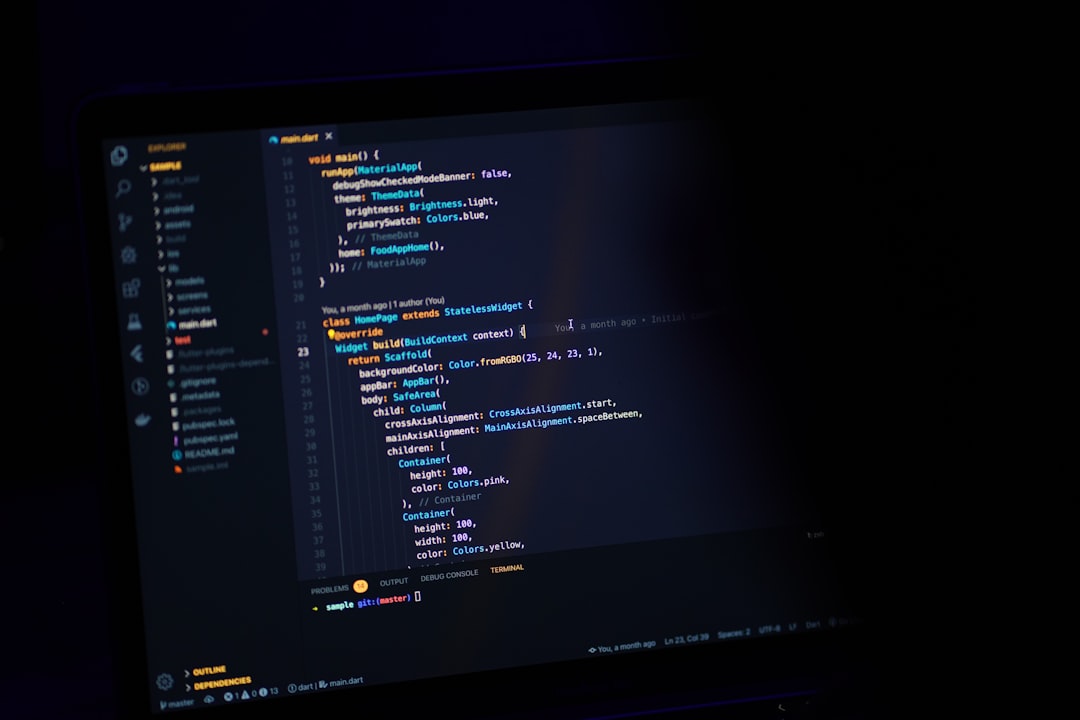
The cursor was blinking in Sublime Text 2 when I first felt like a real programmer. That's not nostalgia talking — it's a data point. The editor you choose shapes the texture of your thinking, the rhythm of your work, the particular friction that either sharpens you or wears you down. I've been writing and rewriting code for going on fifteen years, and I still remember the specific afternoon I switched from Notepad++ to Sublime and felt the world tilt slightly on its axis. Speed does that to you.
So when I sat down in early 2024 to do a proper best code editor 2024 comparison — not the listicle kind, but the kind where you actually live inside each tool for a few weeks — I expected to feel something similar. A tilt. A revelation. What I found was more complicated, and honestly more interesting.
The Editors That Still Deserve Your Attention
Let me name the contenders I spent real time with: VS Code, JetBrains' family (specifically WebStorm and PyCharm), Neovim with a modern config, Zed, and Cursor. That last one is new enough that half the developers I know have never heard of it; the other half have quietly made it their daily driver and don't advertise the fact, the way people used to hide that they were using a standing desk before standing desks became fashionable.
VS Code remains the gravitational center of this conversation. Microsoft's decision to open-source it and build a marketplace around extensions was, in retrospect, one of the shrewdest moves in developer tooling history. The editor is fast enough, extensible enough, and familiar enough that it has become the ambient temperature of the industry. Junior developers learn on it. Senior developers return to it. It is, in the most literal sense, the default — and defaults are powerful precisely because nobody has to justify them.
But defaults also calcify. I noticed, spending two weeks in VS Code after a long stretch in other tools, that I had accumulated roughly forty extensions I couldn't name without opening the panel. The startup time had crept up. The interface had grown a third sidebar I hadn't asked for. None of these are fatal flaws. They are the natural entropy of a tool that has tried to be everything to everyone, and largely succeeded.
Where JetBrains Holds Ground Nobody Talks About
The JetBrains editors occupy a strange position in this comparison. They are the tools that developers recommend in private and hedge about in public. "It's expensive," people say, as if the subscription cost isn't trivially justified by a single afternoon of saved debugging. What JetBrains does better than anyone — and has done better for a decade — is understand code rather than merely display it.
When WebStorm tells you that a function is unused, it actually knows the function is unused. It has traced the call graph. When PyCharm refactors a class name, it finds the string in the config file two directories away that you forgot about. This sounds like a small thing until it saves you from a 2 a.m. production incident, at which point it sounds like the most important thing in the world.
The knock against JetBrains has always been weight — memory usage, startup time, the sense of piloting a cargo ship when you wanted a kayak. In 2024, that gap has narrowed. The new Fleet editor is their attempt at a lighter surface, though it still feels like a beta product searching for its own identity. If you're doing serious TypeScript or Python work and you haven't tried WebStorm or PyCharm recently, the best code editor 2024 comparison you're running in your head is probably based on outdated information.
Neovim and the People Who Will Never Leave It
I want to be honest about Neovim: I am not a Neovim person, and I have made peace with that. I spent three weeks with a LazyVim configuration that a friend spent approximately one thousand hours perfecting, and I was productive in it by the end. I was not happy in it.
But I watched my friend work, and I understood something. Neovim is not primarily a code editor. It is a philosophy of attention. The modal editing model, the refusal to reach for a mouse, the composability of every motion — it trains you to think about what you're about to do before you do it. The editor imposes a kind of deliberateness that other tools don't. For certain minds, that deliberateness becomes a superpower. For others, it's just friction.
What's undeniable is that Neovim in 2024, with LSP support and Tree-sitter and a good plugin manager, is a genuinely competitive tool. The ceiling is as high as any editor on this list. The floor requires more investment than most people have time to make.
Zed and Cursor: The New Arguments
Zed arrived with a story about speed, and the story is true. Built in Rust by some of the people who built Atom, it is measurably, perceptibly faster than VS Code at nearly every task I could measure. Opening a large monorepo, searching across files, rendering syntax highlighting on a long scroll — Zed handles all of it with a smoothness that makes you realize how much latency you'd normalized in other tools.
The collaboration features are genuinely novel. Real-time multiplayer editing, built in rather than bolted on, works the way Google Docs works — which is to say, it actually works. For teams doing pair programming or code review in the editor itself, Zed offers something no one else has matched.
The extension ecosystem is young. That's the honest limitation. If you depend on a specific linter integration or a niche language server, you may find yourself waiting. Zed is a bet on the future, and bets require tolerance for the present.
Cursor is the wildcard in any best code editor 2024 comparison, and I say that as someone who approached it with considerable skepticism. It is, at its structural level, a VS Code fork — which means your existing extensions and muscle memory transfer almost completely. What it adds is AI assistance woven into the editing experience at a level that goes beyond GitHub Copilot's autocomplete.
The "chat with your codebase" feature sounds like a demo trick until you use it to understand a legacy system you've just inherited. I spent an afternoon asking Cursor questions about a 40,000-line Python codebase I'd never seen before, and by the end of it I had a working mental model I would have otherwise spent a week building. That is not nothing. That is, depending on your work, potentially everything.
The concern I carry about Cursor — and I think it's worth carrying — is about what we trade when we outsource comprehension. If the editor explains the code to me, am I learning the codebase or am I learning to ask better questions about it? I'm not sure those are the same thing. I'm not sure which one matters more.
What the Comparison Actually Reveals
Here is what I came away with after months of switching: there is no best code editor in 2024 in the abstract. There is only the best editor for a particular person doing a particular kind of work at a particular moment in their development as a programmer.
VS Code wins on breadth and community. JetBrains wins on depth of language understanding. Neovim wins on the long game of deliberate practice. Zed wins on speed and the future of collaboration. Cursor wins on the specific leverage that AI assistance provides right now, in this strange transitional moment when the tools are changing faster than our habits.
The best code editor 2024 comparison I can offer you isn't a ranking. It's a question: what do you want your editor to demand of you?
Because every tool makes a demand. Sublime Text demanded speed and minimalism. VS Code demands that you manage your own complexity. Neovim demands your full attention. Cursor demands that you stay curious about what you're giving up.
The cursor is still blinking. The question is what you want to do next.